
Compass is our college’s online portal for learning and communication. It’s where students, parents, and staff can access important information all in one place. Students can check timetables, submit assignments, and view reports. Parents can track attendance, approve excursions, and stay updated with school notices. Teachers and staff use it to share resources, mark attendance, and manage communication.
In this tutorial, we’ll walk through how to log in to Compass so you can easily access everything you need.
1. Go to 👉https://brightonsc-vic.compass.education/
2. Enter your username and password
Use only your username (e.g., ABC0001), not your full email address (e.g., ABC0001@brightonsc.vic.edu.au) when logging in.
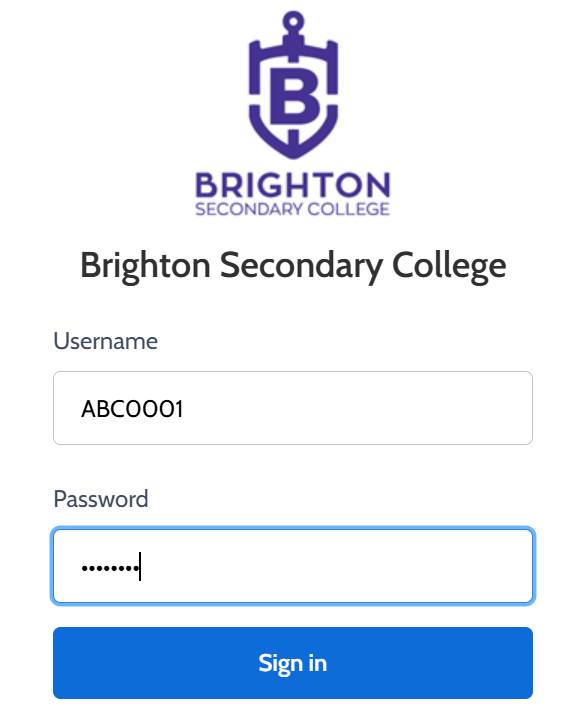
3. Click Sign In